 |
VR-Vantage 3.1.1 API Documentation
|


All Classes Namespaces Files Functions Variables Typedefs Enumerations Enumerator Properties Friends Macros Groups Pages
|
VR-Vantage 3.1.1 API Documentation
|
Show how to create a SensorFx plugin that toggles differents sensor parameters using key bindings.
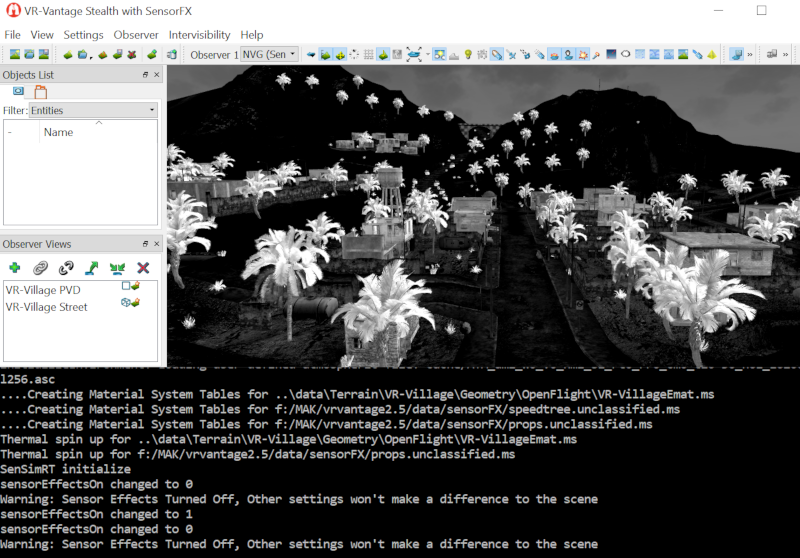
This example will show how to bind keys to control different Sensor Fx settings.
VR-Vantage includes pre-built versions of the example plug-in. To build it yourself, follow the instructions at Building VR-Vantage Examples, Applications, and Plug-ins.
This example is a plug-in. You can run it by running ./bin64/exampleSensorSettings_sensorFX.bat or ./bin64/exampleSensorSettings_sensorFX.sh (on Linux). For more information about running examples, please see Running Applications and Examples.
[<< Examples] [Home] [Top of Page]